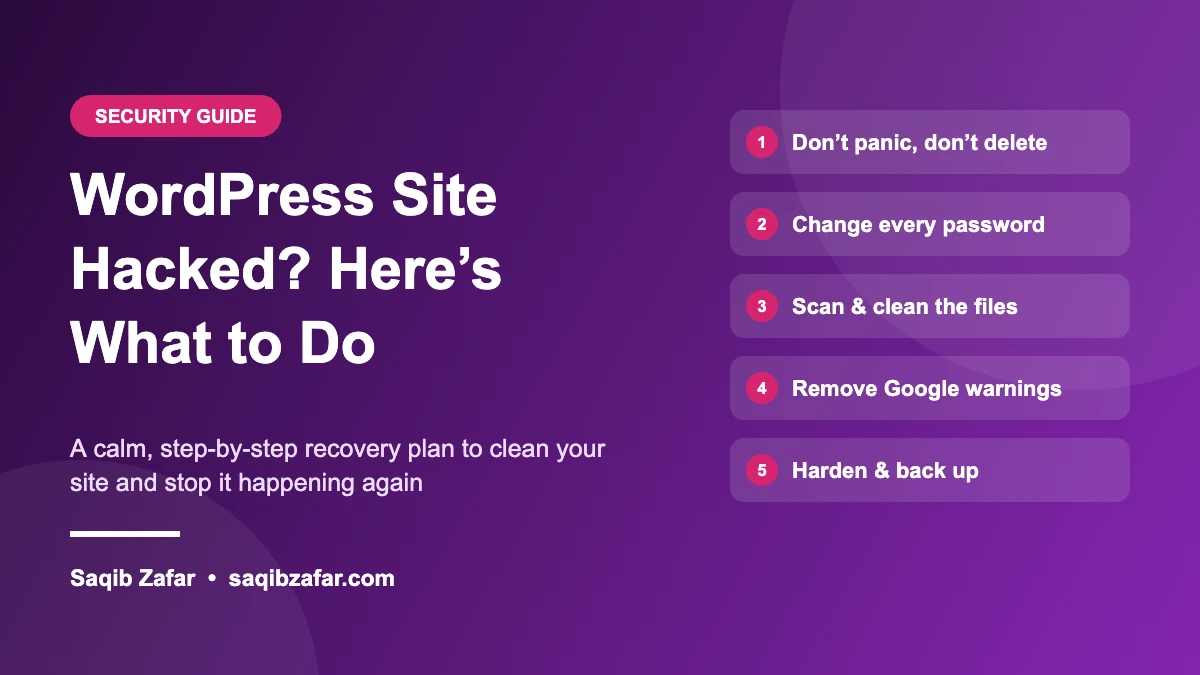
Finding out your WordPress site has been hacked is stressful. Customers might be redirected to spam sites, Google may show a warning, or your host may have suspended your account. The good news: almost every hacked WordPress site can be cleaned and restored, and if you act quickly the damage to your rankings is usually temporary.
This guide walks you through what to do if your WordPress site is hacked, in the right order, so you do not make things worse.
Before you do anything: do not delete the site or restore an old backup straight away. First make a copy of the hacked site and change your passwords. Otherwise you may lose evidence or restore a backup that is already infected.
How to tell if your WordPress site is hacked
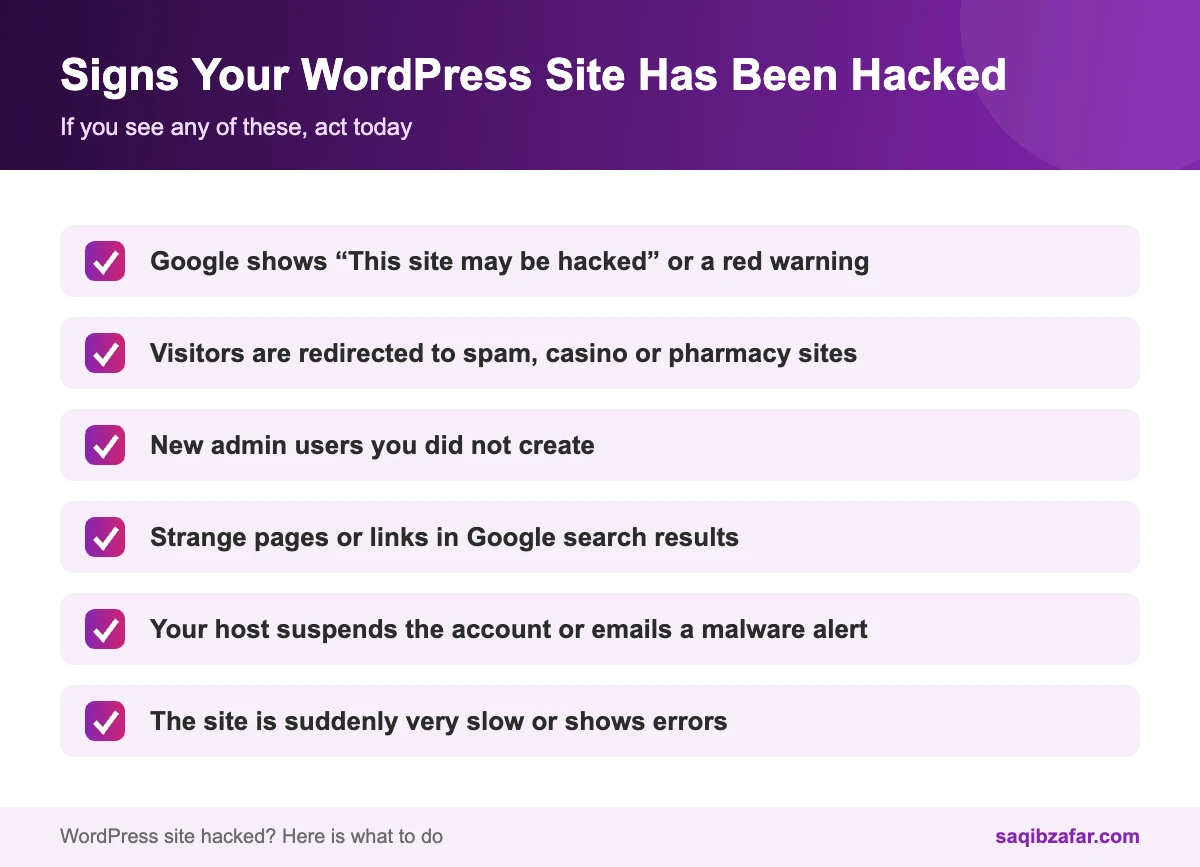
Some hacks are hidden on purpose. The site may look normal to you (because you are logged in) while visitors from Google are redirected elsewhere. Check your site in a private browser window, on your phone, and by searching site:yourdomain.com in Google to look for pages you did not create.
Step-by-step: how to recover a hacked WordPress site
1. Take a backup of the hacked site
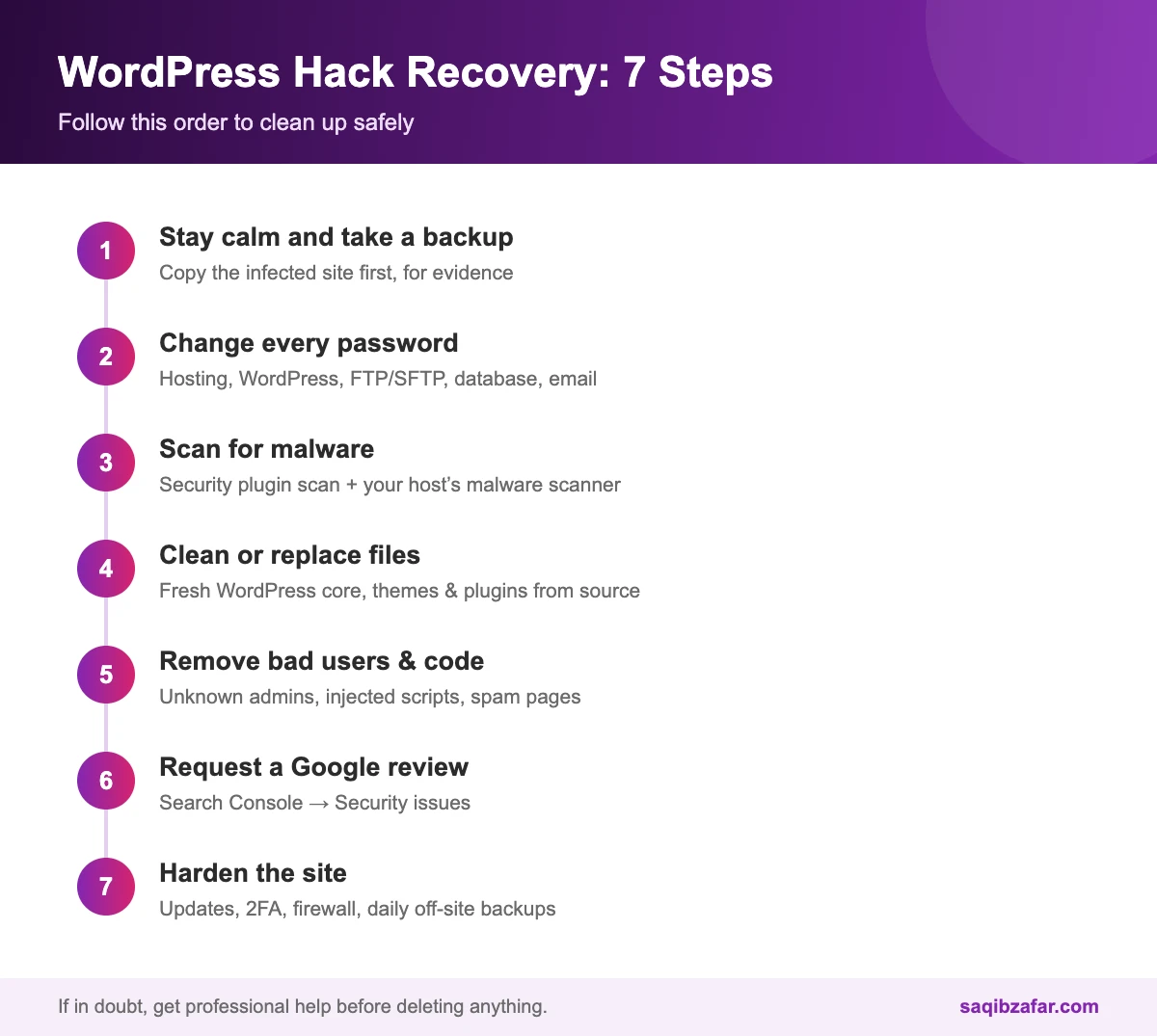
It sounds strange, but copy the files and database as they are now. If the cleanup goes wrong you can go back, and the copy helps you find out how the attacker got in.
2. Change all passwords and keys
Change passwords for your hosting account, every WordPress administrator, SFTP/FTP, the database and the email account linked to your site. Then log out all users and update the security keys (salts) in wp-config.php, which forces everyone to log in again.
3. Scan for malware
Use a reputable security plugin to scan files and the database, and check whether your host offers a malware scanner. Note every infected file it finds.
4. Replace core files, themes and plugins with clean copies
Reinstall WordPress core, then reinstall every theme and plugin from the official source rather than trying to clean them line by line. Delete any plugins or themes you do not use. Check the uploads folder for PHP files, which should not normally be there.
5. Remove unknown admin users and injected content
Look under Users for administrators you did not create, and check posts, pages and widgets for hidden spam links or scripts.
6. Ask Google to review your site
If Google shows a warning, open Google Search Console, go to the Security issues report, confirm the problems are fixed and request a review. Warnings are usually removed once Google confirms the site is clean.
7. Find the cause and close the door
The most common causes are outdated plugins, weak or reused passwords, and “nulled” (pirated) themes or plugins. If you do not fix the cause, the site will usually be hacked again.
How to stop it happening again
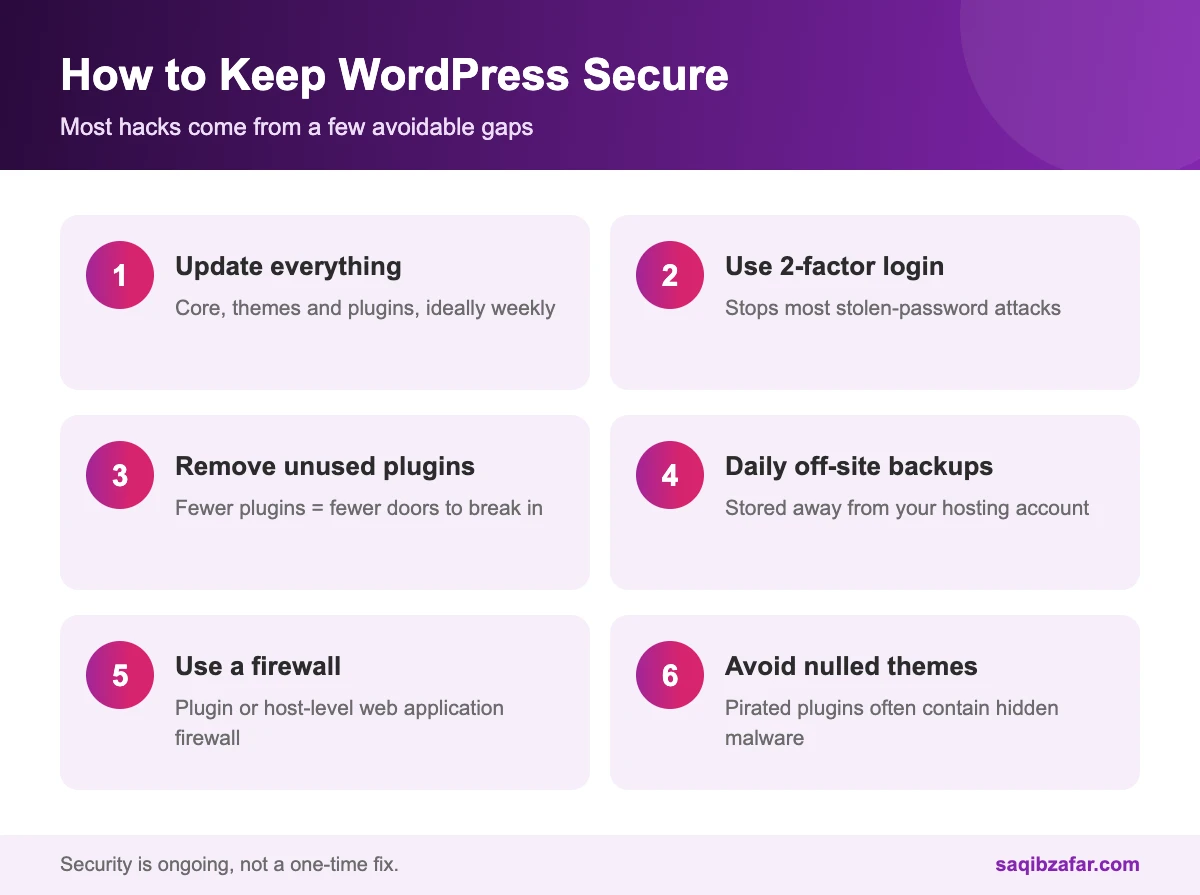
Regular maintenance also keeps your site fast. If your site has been slow as well, read my guide on why WordPress sites get slow and how to fix them.
Need help cleaning a hacked WordPress site?
I can clean your site, remove Google warnings, find how the attacker got in, and set up updates, backups and security so it does not happen again.
Frequently asked questions
Will a hack hurt my Google rankings?
It can, especially if Google shows a warning or your site is full of spam pages. Rankings usually recover after the site is cleaned and Google reviews it, so act quickly.
Can I just restore an old backup?
Only if you are sure the backup is from before the hack, and you still need to change all passwords and update everything, or the attacker can get back in the same way.
How much does it cost to fix a hacked WordPress site?
It depends on how badly the site is infected and how many sites share the same hosting account. A single small site is usually a quick job; a large store or many infected sites take longer. Ask for a fixed quote before work starts. If you are hiring someone remotely, use my checklist for hiring an offshore WordPress developer.
You can also see my WordPress development and maintenance services.