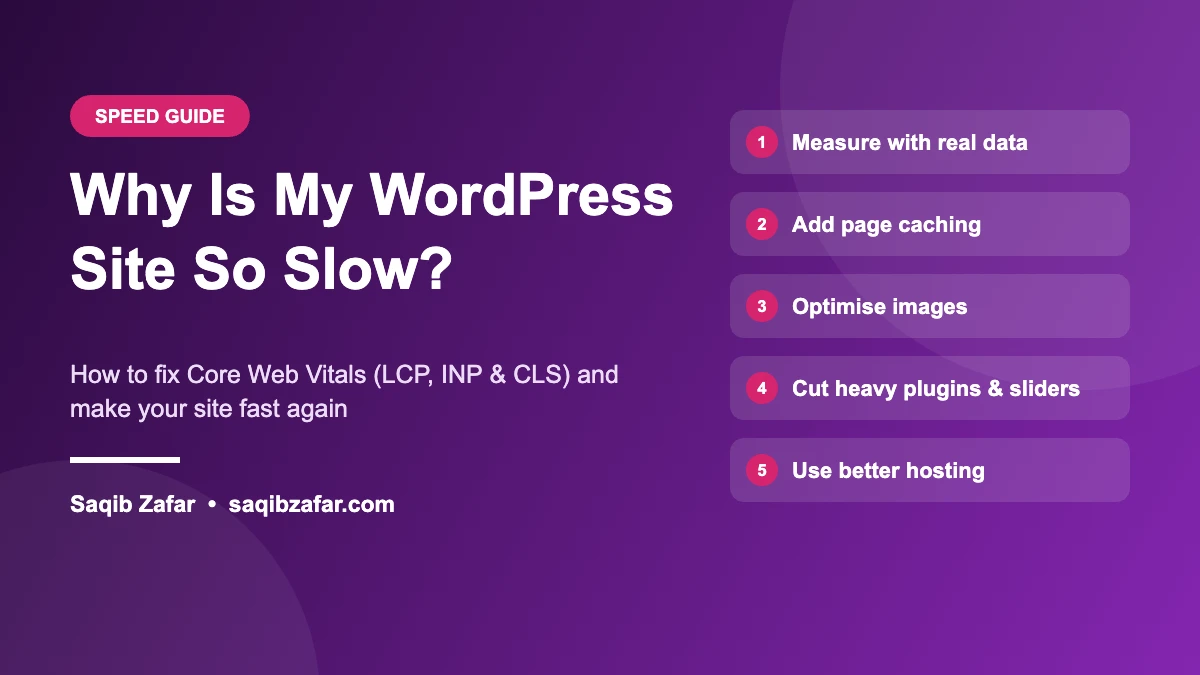
A slow website costs you twice: visitors leave before the page loads, and Google is less likely to rank you. If you have been asking yourself “why is my WordPress site so slow?”, the good news is that the cause is usually one of a handful of common problems, and most of them can be fixed without rebuilding the site.
In this guide I explain Google’s Core Web Vitals in plain English, the most common reasons WordPress sites slow down, and the exact order I work through when I speed up a client’s site.
Quick answer: most slow WordPress sites are missing page caching, use oversized images, and load too many plugins or a heavy slider. Fix those first, then look at hosting.
What are Core Web Vitals?
Core Web Vitals are three measurements Google uses to judge how a page feels to real visitors: how fast the main content loads, how quickly the page responds to taps and clicks, and how stable the layout is while it loads. Google’s targets for a “good” score are LCP within 2.5 seconds, INP under 200 milliseconds and CLS under 0.1, measured across 75% of real visits.
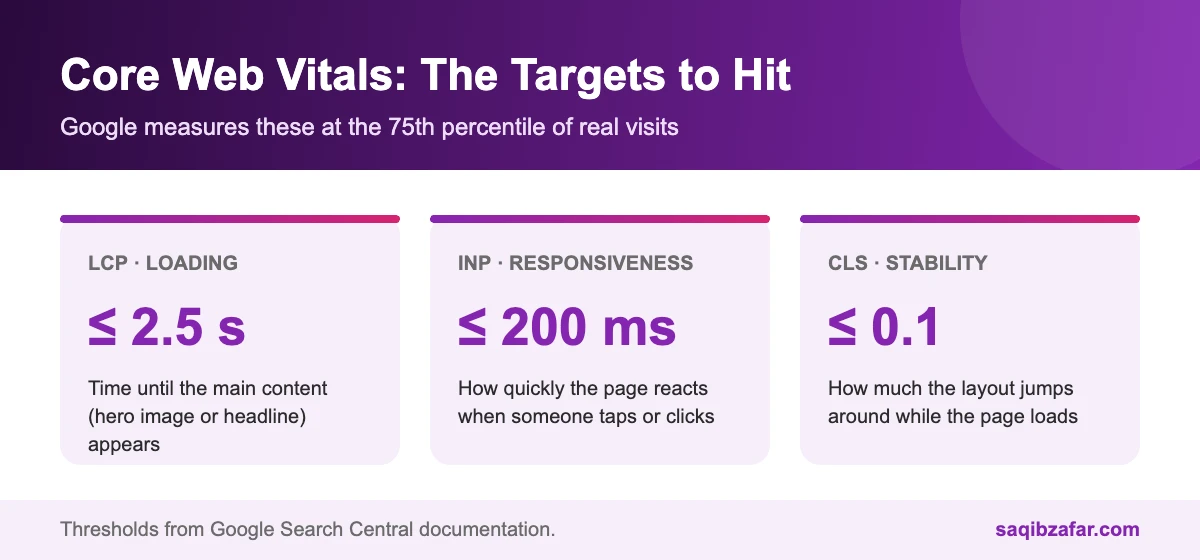
These thresholds have stayed the same since INP replaced the older FID metric in March 2024, so they are a reliable target to aim for.
How to test your WordPress site speed
- PageSpeed Insights (pagespeed.web.dev): shows real-user data for your page (if Google has enough) plus a lab test with specific suggestions.
- Google Search Console → Core Web Vitals report: shows which groups of pages pass or fail on mobile and desktop.
- Your own phone on mobile data: the simplest test of all. If it feels slow to you, it feels slow to customers.
Always check mobile results first. Most visitors to small business sites are on phones, and mobile scores are usually much worse than desktop.
8 common reasons your WordPress site is slow
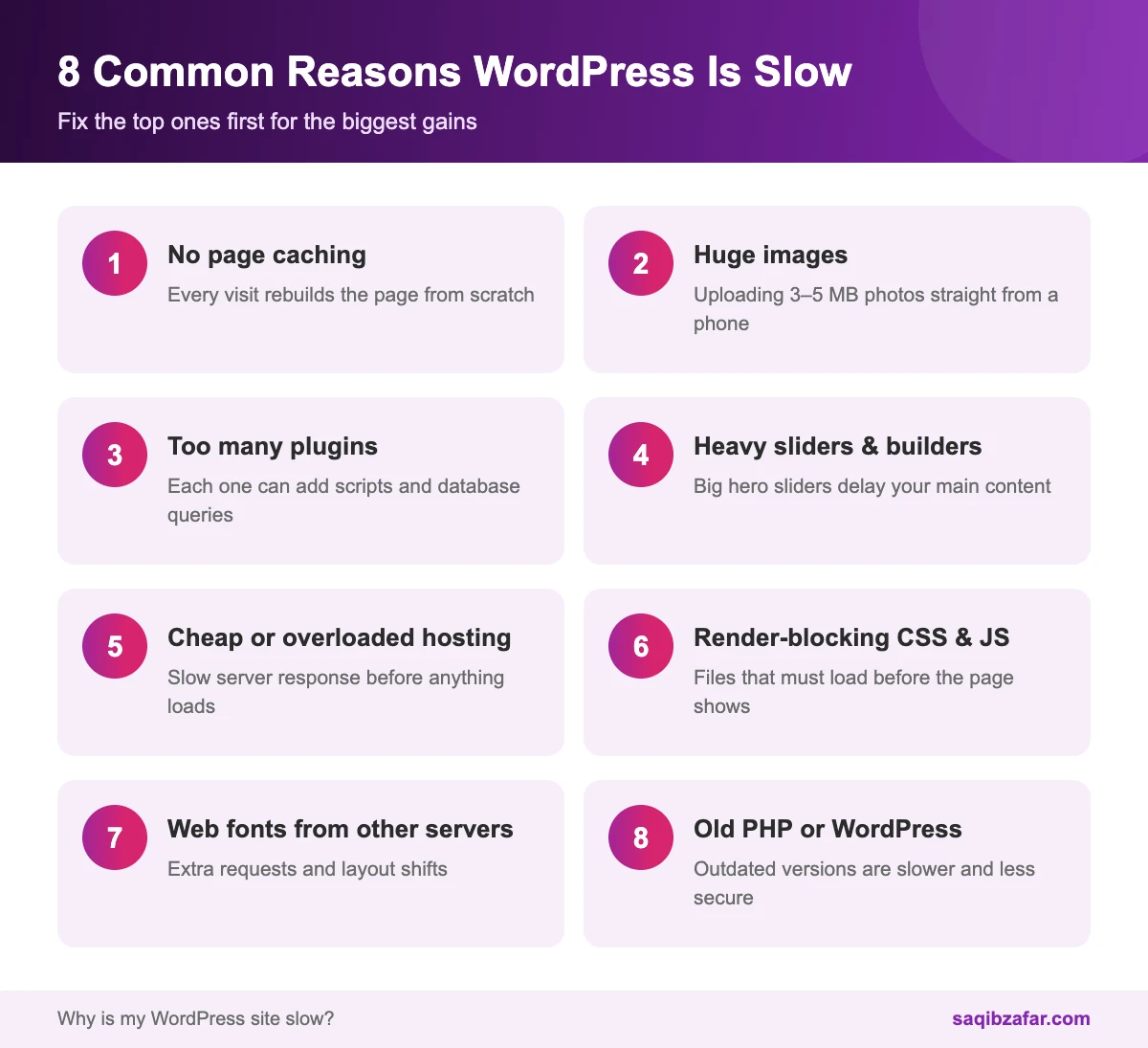
No page caching
Without caching, WordPress builds every page from scratch for every visitor. A caching plugin saves a ready-made copy and serves it instantly. If your host runs LiteSpeed servers, the free LiteSpeed Cache plugin is usually the best choice.
Huge images
A single photo straight from a phone can be 3–5 MB. Resize images to the size they are shown, compress them, and serve modern formats like WebP. This alone often cuts page weight in half.
Too many plugins, sliders and page builder add-ons
Every plugin can add its own CSS, JavaScript and database queries. Big homepage sliders are a common culprit: they often delay the main content (hurting LCP) and add a lot of code. A simple static hero section is usually faster and converts just as well.
Slow hosting and old PHP
If the server takes a second just to start sending the page, nothing else can make up for it. Good hosting, the latest supported PHP version and a CDN for international visitors make a big difference, especially if your customers are on another continent from your server.
My step-by-step plan to speed up WordPress
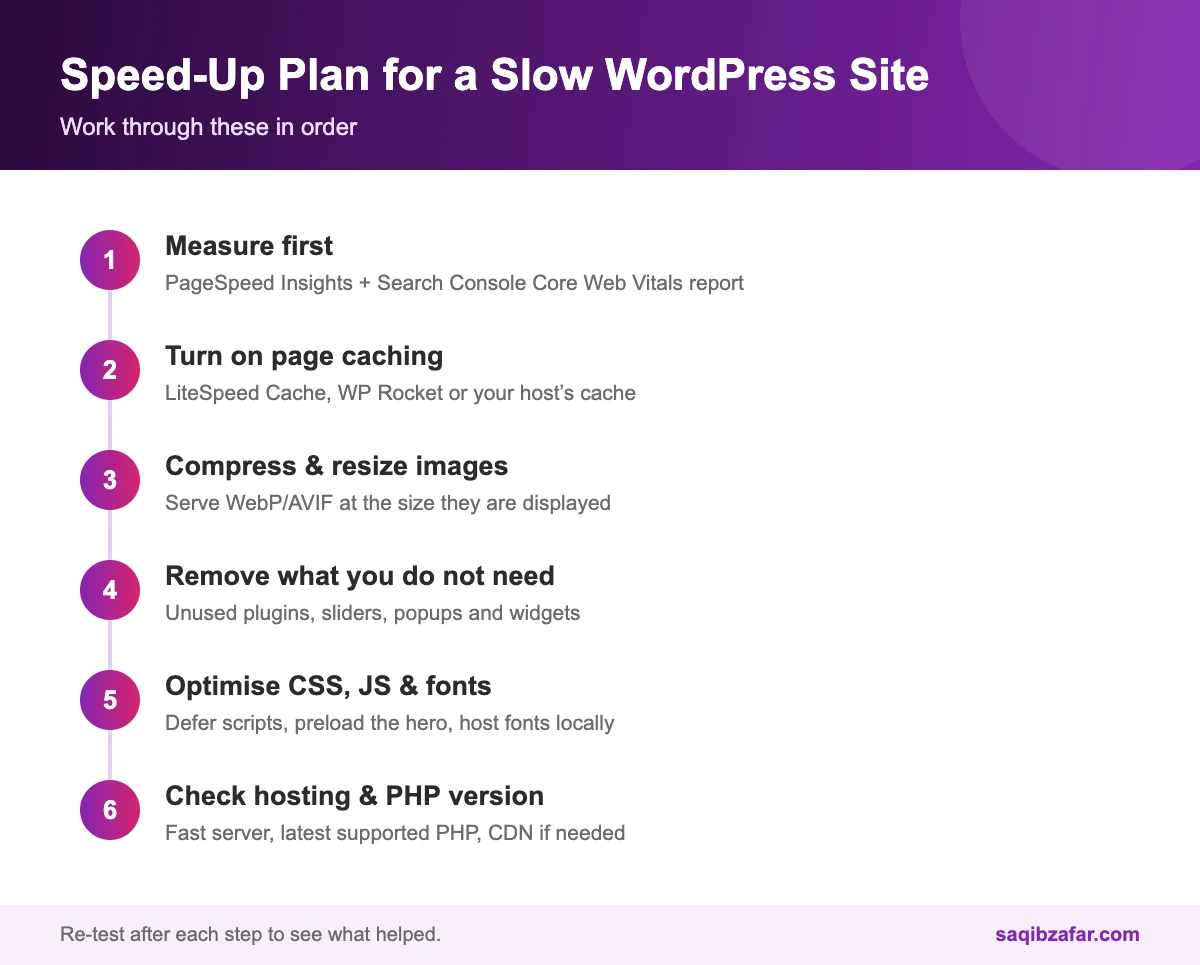
Re-test after each step. Sometimes one change (like turning on caching) fixes most of the problem, and you do not need the rest.
How to fix each Core Web Vital
| Metric | What usually hurts it | How to fix it |
|---|---|---|
| LCP (loading) | Slow server, big hero image or slider, render-blocking files | Caching, compress and preload the hero image, remove sliders, better hosting |
| INP (responsiveness) | Heavy JavaScript from plugins, chat widgets, trackers | Remove unused plugins and scripts, delay non-essential JavaScript |
| CLS (stability) | Images without sizes, late-loading fonts, ads and banners | Set image dimensions, host fonts locally, reserve space for banners |
Want me to speed up your WordPress site?
I can audit your site for free, show you exactly what is slowing it down, and fix it, usually without changing how your site looks.
Frequently asked questions
Do Core Web Vitals affect Google rankings?
Yes, they are part of Google’s page experience signals. Great content still matters most, but when two pages are similar, the faster one has an advantage, and faster pages convert more visitors into customers.
Which caching plugin is best for WordPress?
It depends on your hosting. On LiteSpeed servers, LiteSpeed Cache is the best free option. On other hosts, WP Rocket (paid) or your host’s built-in caching are good choices. Use only one caching plugin at a time.
Should I rebuild my site to make it faster?
Usually not. Most speed problems can be fixed with caching, image optimisation and removing heavy plugins. A rebuild only makes sense if the site is very old or built on a slow, bloated theme.
If you are thinking about hiring someone remotely to do this work, read my checklist for hiring an offshore WordPress developer first. You can also see my website SEO services and WordPress development services.